Baji Withdrawal India

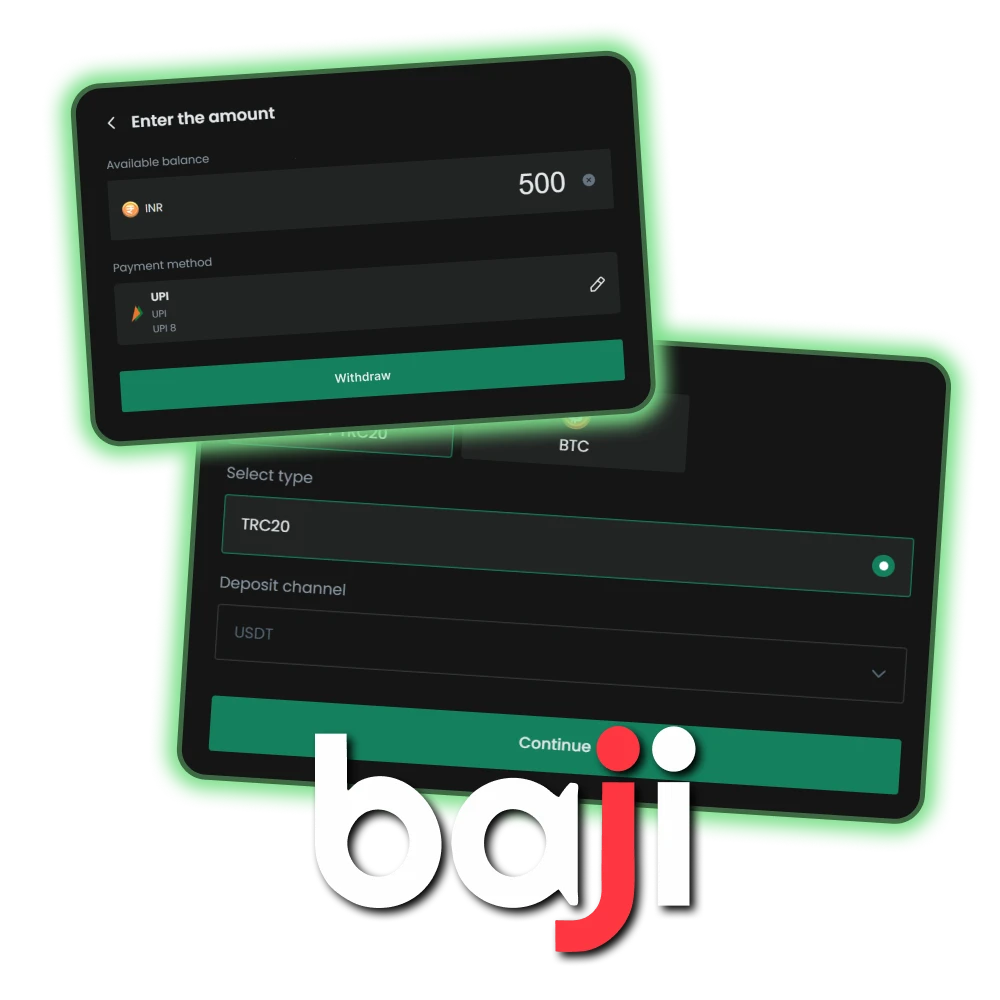
Baji processes withdrawals to Indian bank accounts around the clock. Most payments arrive within 15 minutes to 24 hours, depending on the method and processing time of the bank. All transactions are protected by encryption, and funds are only transferred to verified accounts.
This guide explains how to withdraw your winnings and what to do if you encounter any problems.

Withdrawal of funds is one of the most important points when betting on Baji.

Withdrawal Rules

Before requesting a withdrawal, please ensure that you meet the following requirements:

  • KYC verification. Your account must be fully verified before any withdrawal can be processed. Please upload your identity documents in the “Profile” section if you have not already done so;
  • Name match. The name on your bank account must exactly match the name on your Baji profile. Withdrawals by third parties are not permitted. If the names do not match, your request will be rejected;
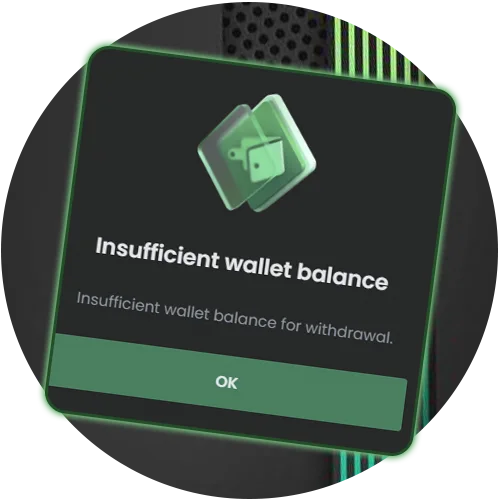
  • Main wallet balance. Funds from provider wallets (poker, casino, sports) must be transferred to your main wallet before withdrawal. Go to the ‘Transfer’ section and transfer your balance to your main wallet.
All withdrawal rules are provided on the Baji website.

Withdrawal Limits & Time

Baji offers bank transfers and cryptocurrency withdrawals for Indian users. VIP players have access to higher limits and priority processing.

Method Min Withdrawal Max Withdrawal Processing Time
Local Bank Transfer INR 500 INR 50,000 15 min – 24 hours
USDT TRC-20 10 USDT 10,000 USDT 5 – 30 min

Step-by-Step Withdrawal Guide

Bank transfer is the primary withdrawal method for Indian users. Follow these steps to request a payout.

1

Add Your Bank Details
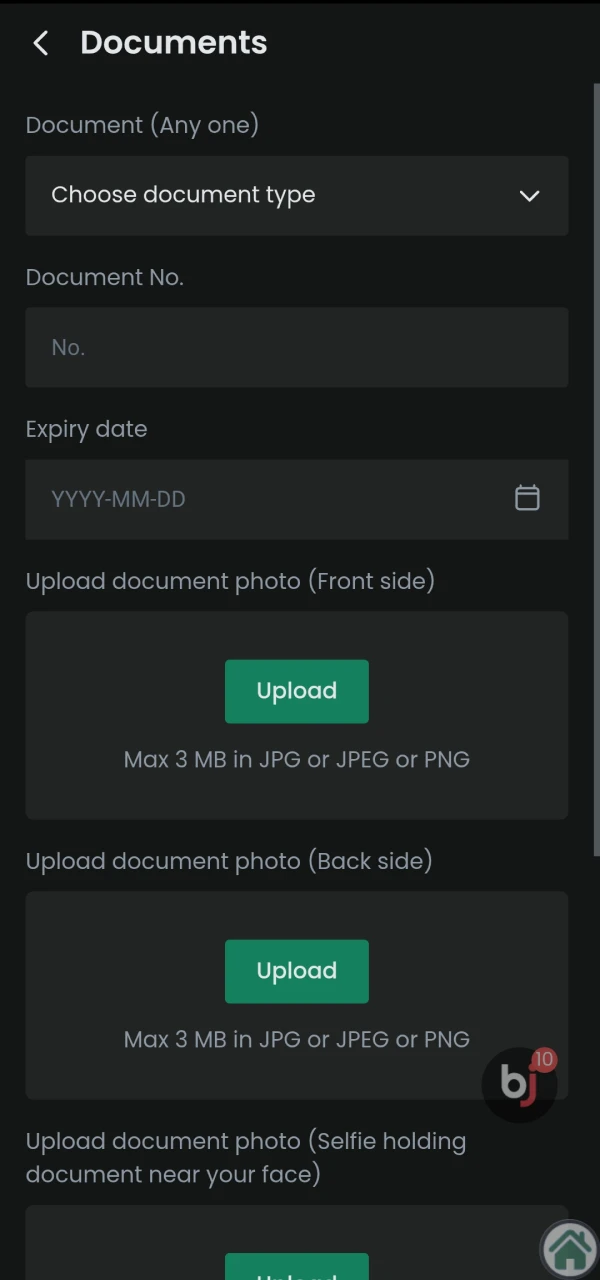
Bank details must be filled in first to withdraw funds to Baji.

Go to the Member Centre and open the ‘Bank Card’ section. Enter the bank name, account number and IFSC code. Double-check the IFSC code, as errors will result in the transfer failing. The account holder’s name must match the name in your Baji profile exactly.
2

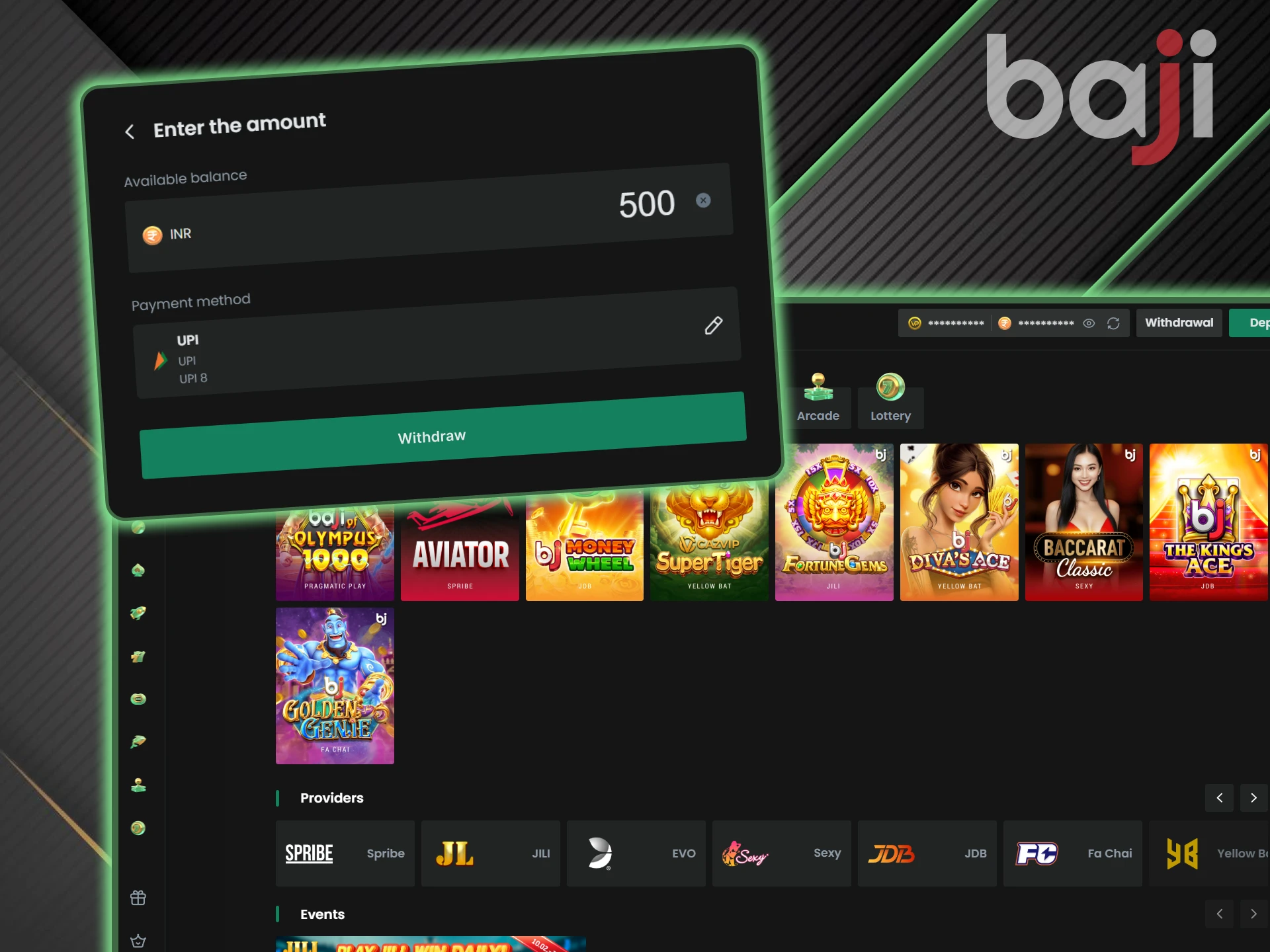
Submit Withdrawal Request

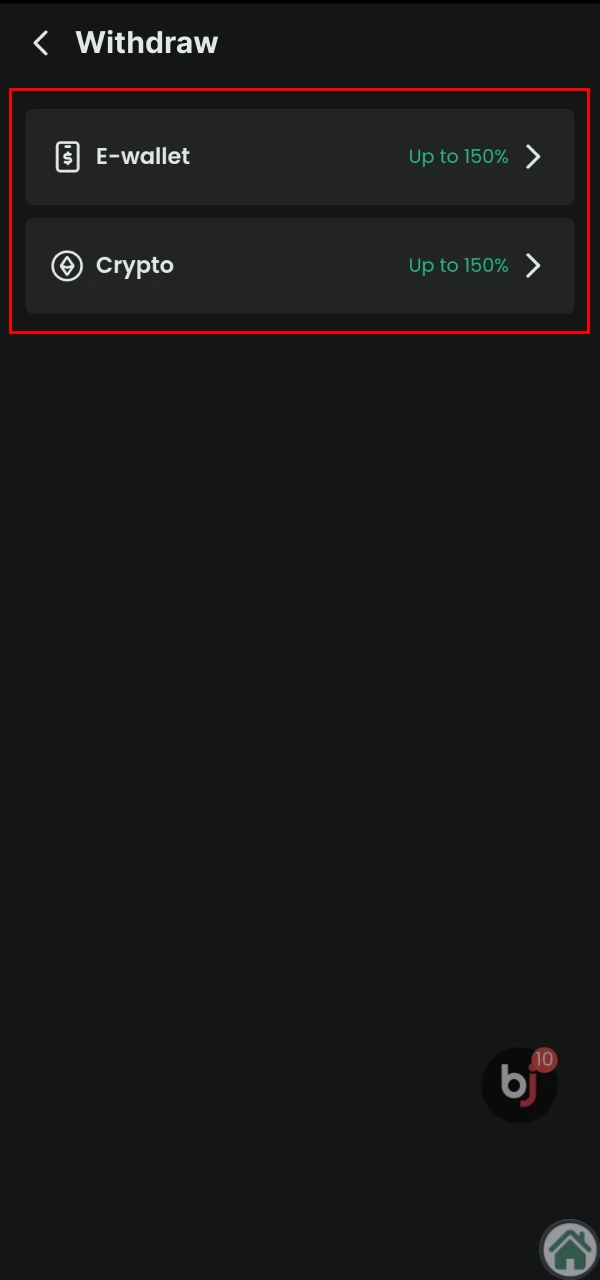
The withdrawal section on Baji includes several payment systems.

Go to the withdrawal section and select your saved bank account. Enter the amount you wish to withdraw. If you have set a security password, enter it when prompted. Click the confirmation button to submit your request.

3

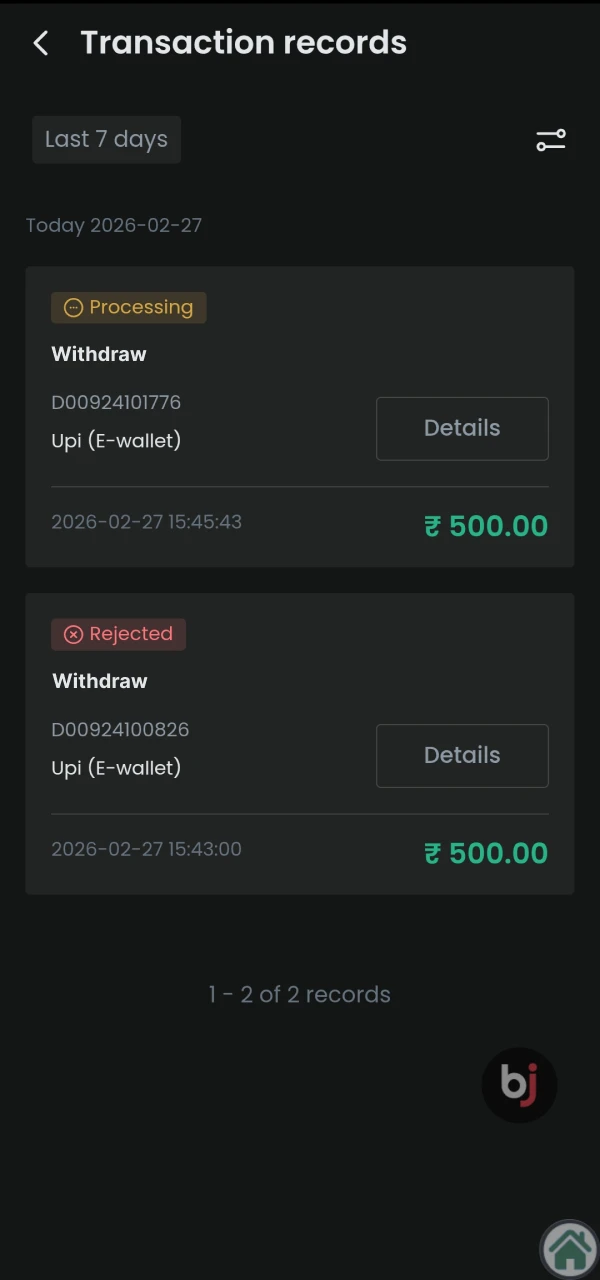
Check Status

The withdrawal status is displayed in the special section Baji.

Go to the Transaction Records section to track your withdrawal. Requests go through three stages: Pending (awaiting verification), Processing (approved and sent), and Success (completed). Most withdrawals reach Success status within a few hours.

Understanding “Turnover”

Baji requires users to meet turnover requirements before withdrawing funds. This is a standard anti-money laundering measure used by licensed bookmakers.

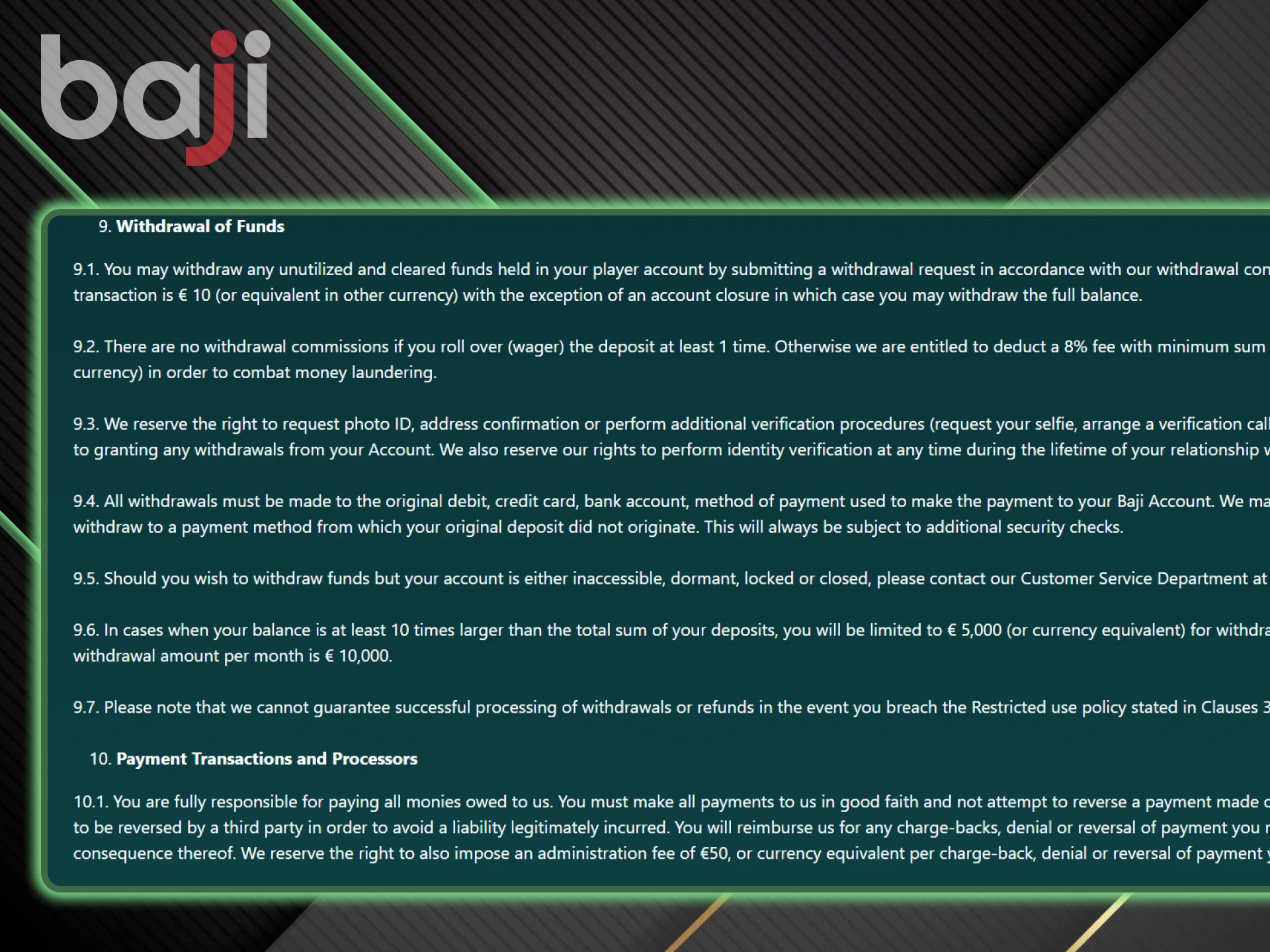
For deposits without a bonus, you must wager the deposit amount at least once before withdrawing funds. If your turnover is not complete, your withdrawal request will not be processed.

The turnover must be completed to withdraw funds to Baji.

Troubleshooting Withdrawal Issues

Sometimes users encounter delays or rejections when withdrawing funds. Below are the most common issues and how to resolve them.

Check rejection reasons on official Baji India site.

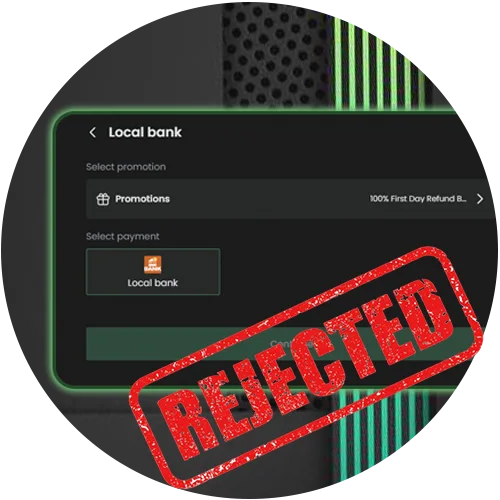
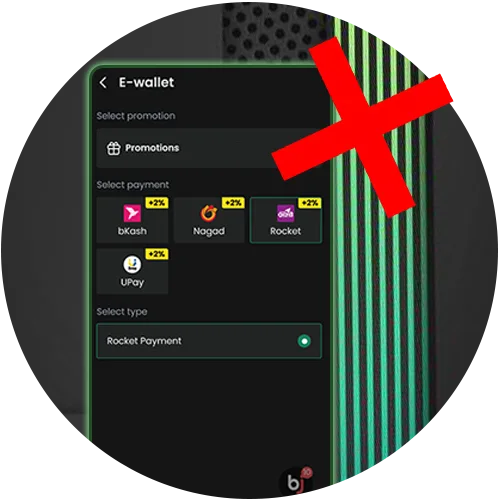
Why Is My Withdrawal Rejected?

Withdrawals are rejected for several reasons, suck as incorrect IFSC code, bank account belongs to another person, suspicion of using multiple accounts, or failure to meet wagering requirements. Check your bank details in the Member Centre and make sure your turnover has been completed. If the problem persists, contact live support.

Track successful payments on official Baji India website.

Status Says “Success” but Money not Received

This happens when the bank needs more time to process incoming transfers. Banks do not process transactions on holidays or outside of business hours. Please wait 24 hours from the time the status appears as ‘Successful’. If the funds still have not arrived, please contact Baji support with your withdrawal ID and request a bank statement confirming that there is no incoming transfer.

View maintenance updates on official Baji India platform.

System Maintenance

Payment gateways undergo scheduled maintenance from time to time. During this time, withdrawals may be temporarily unavailable. Please try again in a few hours or check Baji’s announcements for the maintenance schedule.

FAQ

Can I withdraw to Paytm Wallet?

Funds are withdrawn to bank accounts, not directly to your Paytm wallet balance. If your Paytm is linked to a bank account, you can add that account using its IFSC code and account number.

Is there a withdrawal fee?

Baji does not charge a fee for withdrawing funds for standard payments. However, there may be a limit on the number of free withdrawals per day. You can check the current terms and conditions in the ‘Withdrawal’ section.

Can I cancel my withdrawal request?

Yes, you can cancel a withdrawal while it is still in Pending status. Go to Transaction Records, find the request and click on the cancellation button. The funds will be immediately returned to your main wallet. Once the status changes to Processing, cancellation will no longer be possible.

Is it safe to give my bank details?

Yes. All banking information is encrypted and stored securely. Baji only uses your data to process withdrawals and does not share it with third parties.

Comments

The value is incorrect

The value is incorrect

The value is incorrect

Something went wrong. Please, try again later

Updated: