How to Deposit Money in Baji India

Baji accepts deposits 24/7 via UPI, bank transfers, and cryptocurrency. All transactions are processed in Indian rupees, so there is no need for currency conversion. The site uses secure payment gateways, and most deposits are credited within 15 minutes. Baji does not charge any fees for deposits.
On this page, you will learn how to fund your account using the various payment methods available to Indian users.

Deposit and how to use it on Baji.

Baji Deposit Methods

Baji offers several deposit options for players in India. The exact limits may vary depending on your account verification status. Here are the standard limits:

Method Min Deposit Max Deposit Processing Time
UPI (GPay, PhonePe, Paytm) INR 500 INR 50,000 Instant – 15 min
Bank Transfer (IMPS/NEFT) INR 1,000 INR 200,000 30 – 60 min
USDT TRC-20 10 USDT 10,000 USDT 5 – 15 min

Deposit via UPI (Paytm, PhonePe, w)

UPI is the fastest and most popular way to top up your account for Indian users. The process takes about 2 minutes if you follow all the steps correctly. It is important to note that payment details change with each transaction, so never save old UPI IDs or QR codes.

1

Select UPI & Amount
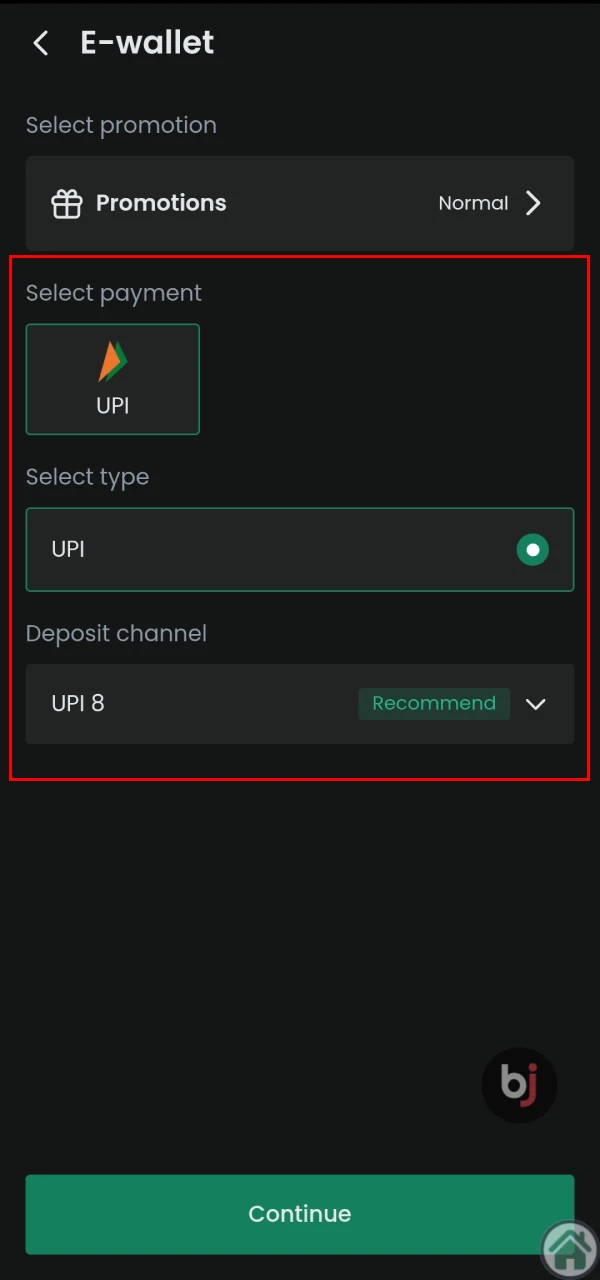
UPI is ideal for topping up your Baji account.

Open the Baji app or website and go to the Deposit section. Select UPI as your payment method. Enter the amount you want to deposit. Choose a payment channel from the available options.
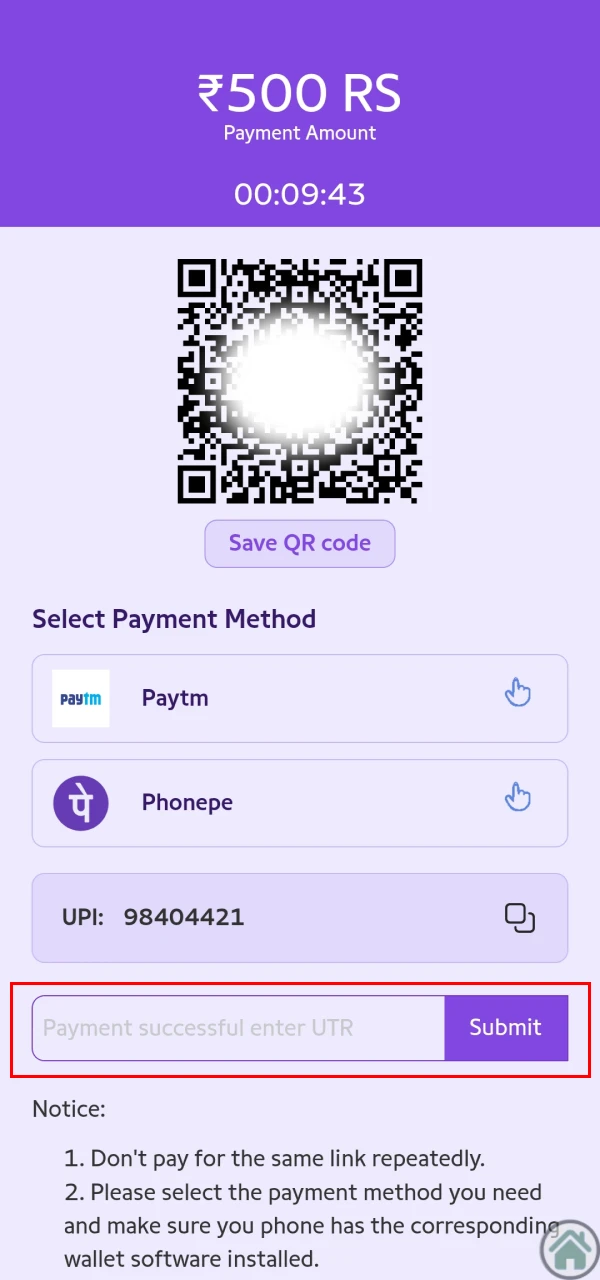
2

Copy VPA or Scan QR Code

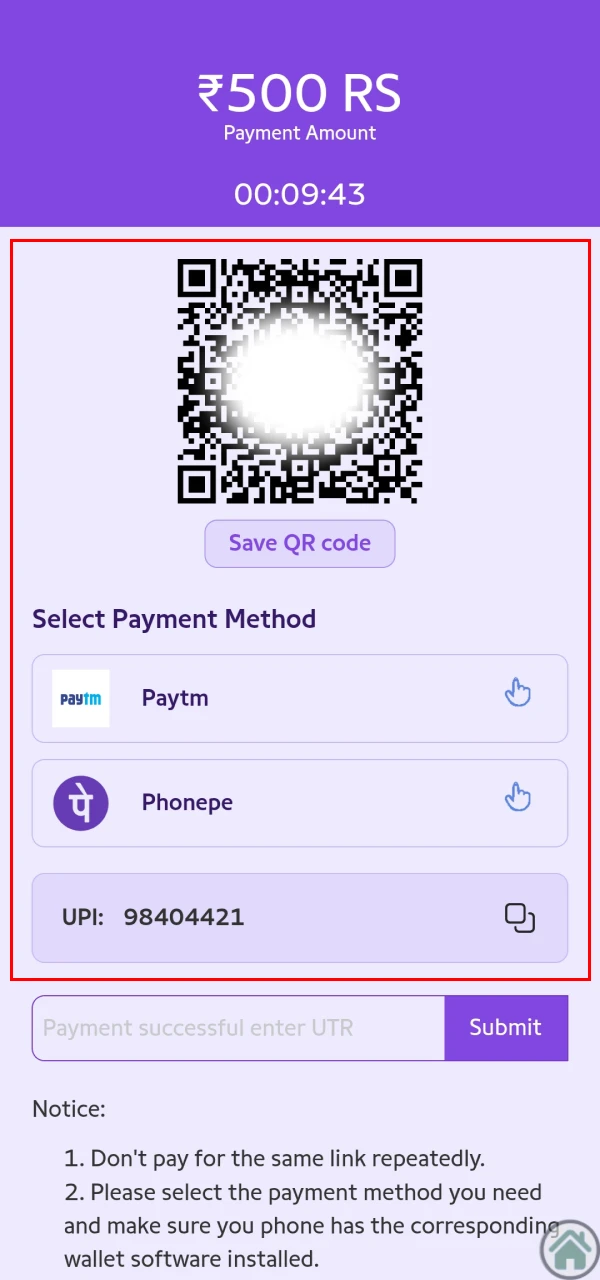
A QR code or special code is used to top up your Baji account.

The system will display a QR code or UPI ID (VPA) on the screen. You can either scan the QR code with your payment app or copy the UPI ID manually. These details are valid only for this transaction.

3

Submit UTR / Reference Number

UTR code is required to complete a deposit on Baji.

This is the most important step. After completing the payment in your banking app, you will receive a 12-digit UTR (UPI Transaction Reference) number. Copy this number and paste it into the confirmation field on Baji. Click submit. Without the correct UTR, your deposit cannot be processed. Your balance should update within a few minutes.

Deposit via Bank Transfer (IMPS/NEFT)

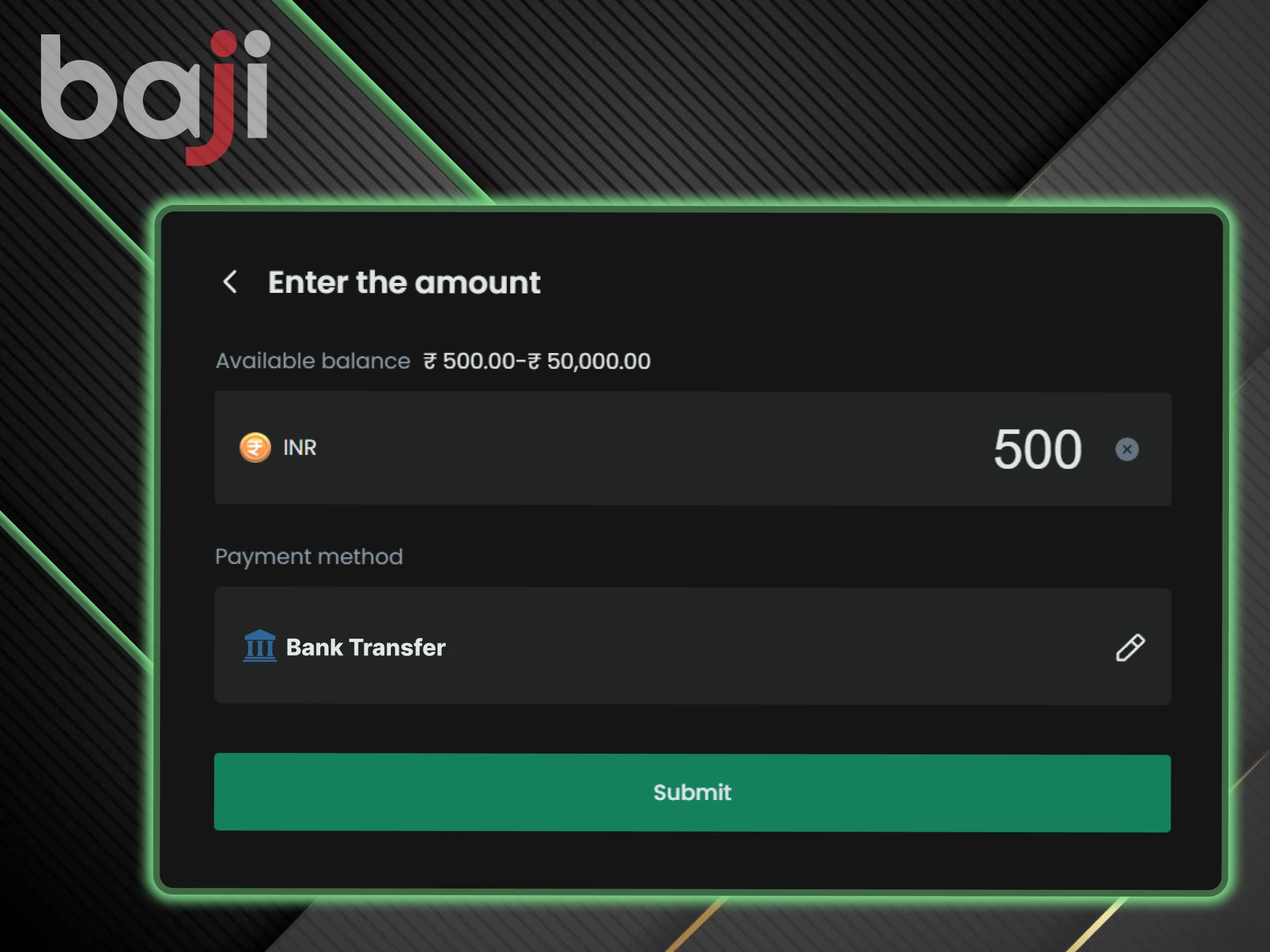
Bank transfers are suitable for larger deposits. The process takes longer than UPI but allows higher transaction limits. Here is a quick guide:

  1. Go to the Deposit section and select Bank Transfer.
  2. Copy the beneficiary account details displayed on screen (Account Number, IFSC Code, Account Name).
  3. Open your internet banking or mobile banking app.
  4. Add Baji as a new beneficiary using the copied details.
  5. Transfer the exact amount you entered on Baji.
  6. Copy the transaction reference number and submit it on Baji.

Processing time for bank transfers ranges from 30 to 60 minutes. IMPS transfers are faster than NEFT. Make sure the amount transferred matches exactly what you entered in the deposit request.

Bank Transfer helps you make deposits to Baji.

Cryptocurrency Deposits (USDT TRC-20)

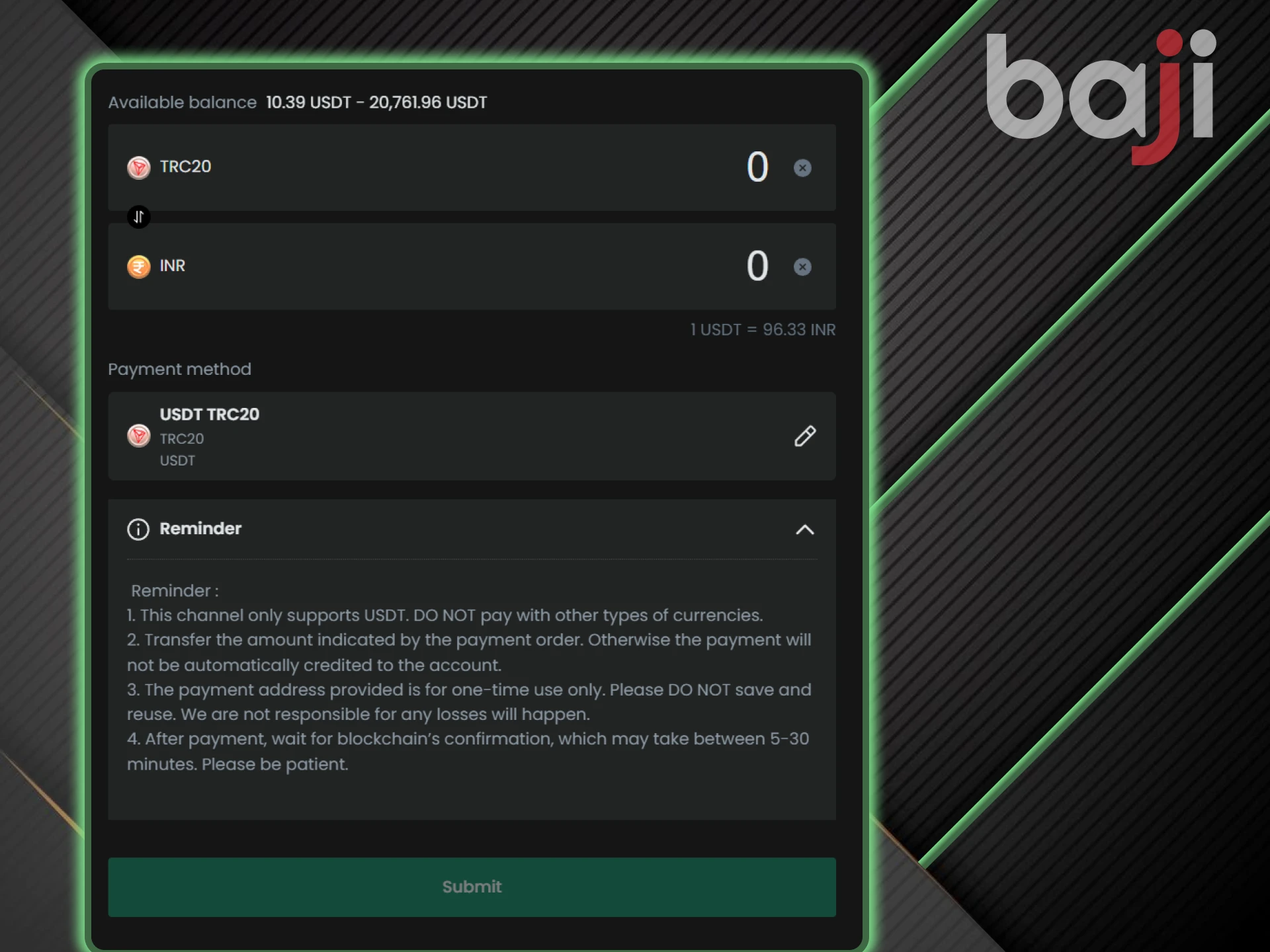
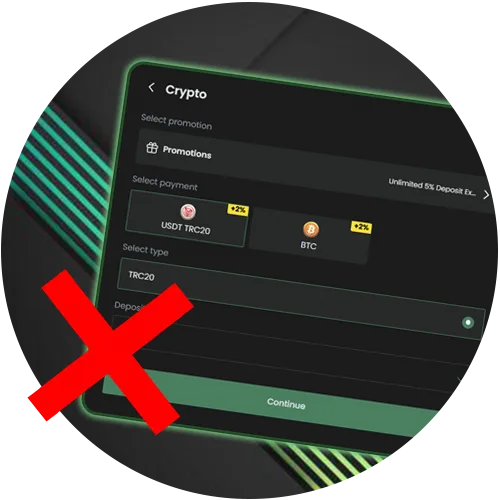
Cryptocurrency deposits are convenient for large amounts or when you have reached your daily UPI limits. Baji only accepts USDT on the TRC-20 network. Here are the instructions to help you:

  1. Go to the deposit section and select USDT TRC-20.
  2. Copy the wallet address displayed on the screen.
  3. Open your exchange app (Binance, WazirX, or similar) and send USDT to this address.
  4. Ensure you select TRC-20 as the network. Sending to a different network will result in irreversible loss of funds.
  5. Paste the transaction hash into the Baji form or upload a screenshot.

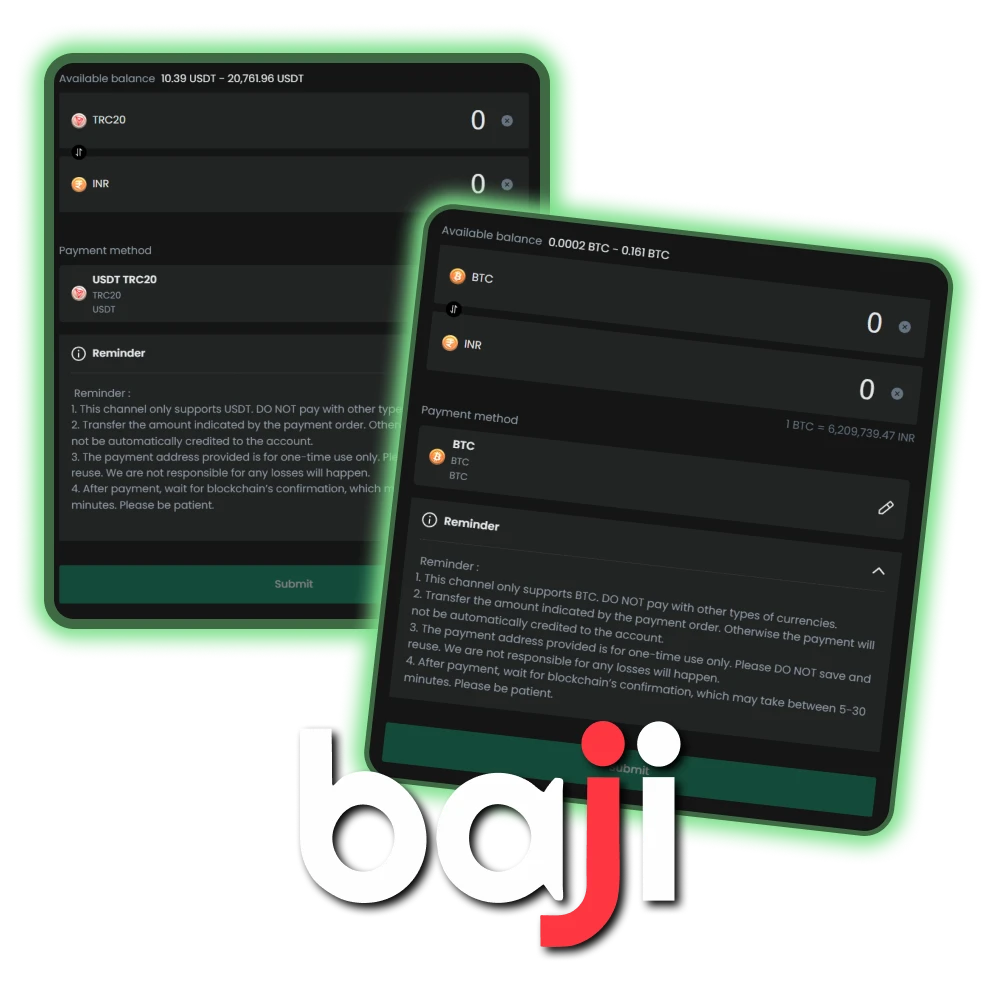
TRC-20 has low fees, typically less than $1 per transaction. The deposit arrives after network confirmation, usually within 5-15 minutes. The USDT to INR conversion rate is displayed before the deposit is confirmed.

Crypto payments are available for deposit on Baji.

Troubleshooting

Users sometimes encounter issues during the deposit process. Below are the most common problems and their solutions.

Resolve deposit issues on the official Baji website.

Money Deducted but not Credited

This usually happens when the UTR was not sent or a network error occurred during confirmation. Take a screenshot of your payment receipt showing the UTR and transaction details. Contact Baji Live Chat and provide this information. Customer support will manually verify and credit your account.

Verify your UTR on the official Baji platform.

“Invalid UTR” Error

This error occurs when there is a typo in the UTR or when an old UTR from a previous transaction was entered. Open the payment app and find the transaction in your history. Copy the UTR directly from there, carefully checking each digit. The UTR always consists of 12 digits.

Check deposit status at official Baji India site.

Deposit Rejected

Deposits are rejected if the transferred amount does not match the amount specified in the deposit request. If you requested INR 1000 but sent INR 999 or INR 1001, the system will flag the discrepancy. Contact customer support with your transaction details to resolve the issue.

FAQ about Baji Deposits

What is the minimum deposit in India?

The minimum deposit is INR 500 for UPI and INR 1,000 for bank transfers.

Can I deposit using a friend’s account?

No. The name on your payment method must match the name on your Baji profile. Deposits from third parties are not permitted and may result in account restrictions or transaction rejections.

Is there a fee for depositing?

Baji does not charge any deposit fees. However, cryptocurrency exchanges may charge network fees (gas fees) for transactions on the blockchain.

How to find UTR in Google Pay?

Open Google Pay and go to your transaction history. Tap on the completed payment to Baji. Scroll down to find the ‘UPI Transaction ID’ or ‘UTR’. Copy this 12-digit number and paste it into the Baji deposit form.

Comments

The value is incorrect

The value is incorrect

The value is incorrect

Something went wrong. Please, try again later

Updated: